Splikit · Wide scenes
Panorama Splitter Free
Free private panorama splitter for Instagram carousels. Turn wide landscapes into seamless 4:5 slides without uploads.
Drop a wide image here or click to choose
JPG, PNG, WebP, GIF, BMP, AVIF, up to 50 MB
What a panorama splitter does
A panorama splitter is for photos that are far wider than a phone screen. Instead of crushing the scene into one square, you publish a swipe that preserves the horizontal story—perfect for coastlines, city skylines, and stitched travel pans.
Splikit keeps panels aligned at 4:5, numbers exports, and never requires a cloud upload for the core job. For product carousels that are not scenic pans, the Instagram carousel splitter page may match intent better; for profile puzzles, use the Instagram grid maker.
Wide photography has its own failure modes. Uneven horizons, soft corners from phone pan modes, and people walking through the stitch line all become obvious once the scene is cut into tall panels. Fix those issues in the source before you export social slides.
Travel creators often keep a “hero pan” library from each trip. Running those masters through a consistent 4:5 pipeline makes a feed feel intentional instead of random single frames. Pair captions with place names so the swipe also works as a mini guidebook.
If you need paper output rather than a social swipe, stop here and open the printing or PDF tools. Those routes speak A4 and Letter language; this page stays focused on mobile storytelling from ultra-wide sources.
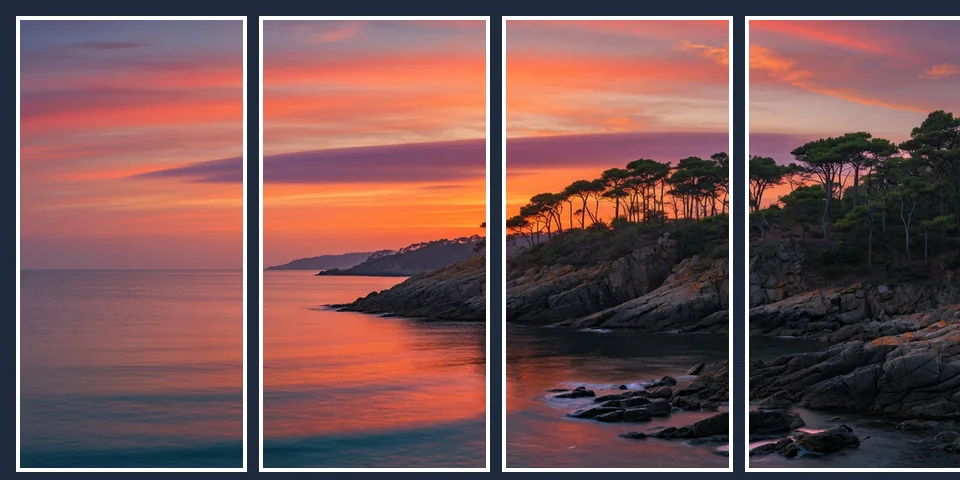
How to use this panorama splitter online
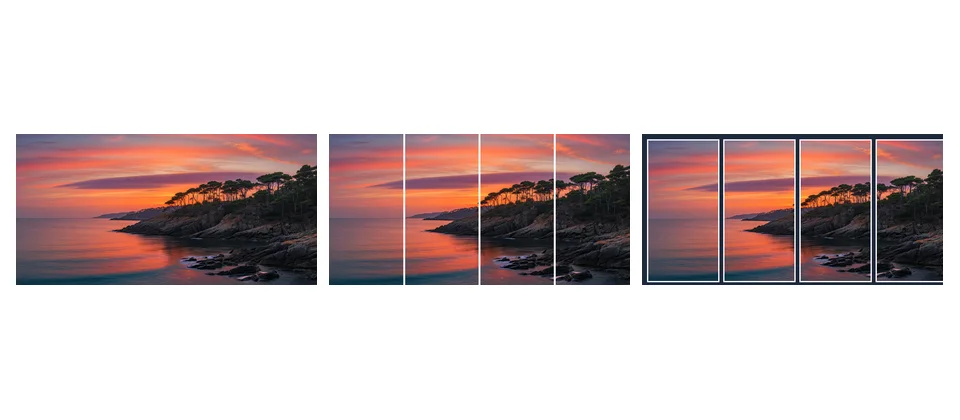
Upload a wide panorama
Use a stitched landscape, skyline, or ultra-wide product scene.
Frame the swipe path
Crop so the horizon stays stable across panels from the panorama splitter.
Export numbered slides
Download the ZIP and upload left-to-right as one carousel post.
Practical tips for wide scenes
Keep the horizon consistent across panels. Avoid placing people on vertical seams. Prefer high-resolution stitches before export.
If you need print tiles rather than social swipes, use the printing or PDF tools instead—this page is social-first.
When choosing slide count, preview at phone width. Too many panels can turn a calm landscape into a jittery flipbook; too few can hide the sense of place that made the pan worth sharing.
Export ZIP order should match left-to-right storytelling. If a collaborator uploads out of order, the skyline “breaks,” so include a short order note in the filename prefix when handing off.
This URL covers the online scenic cut job with private browser tools—not a GPS map utility and not a video pan editor.
Panorama splitter FAQ
What is a panorama splitter?
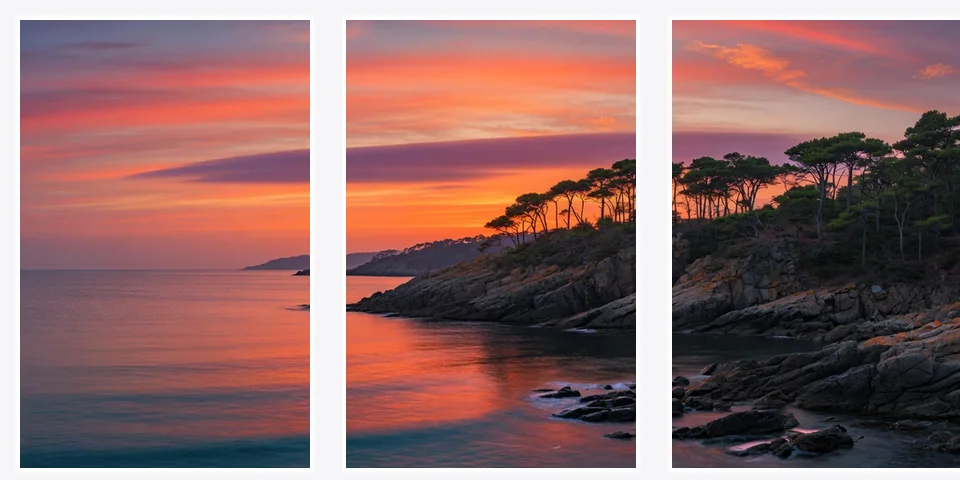
A panorama splitter divides one wide photo into multiple vertical slides so viewers can swipe across a landscape on Instagram or similar feeds.
Is this panorama splitter free online?
Yes. Splikit’s panorama splitter is free online with private browser processing and numbered exports.
How is a panorama splitter different from an Instagram carousel splitter?
They share slide export tech, but this page is written for ultra-wide landscapes, skylines, and scenic pans. The carousel page is product/story design oriented.
Does the panorama splitter for Instagram use 4:5 slides?
Yes. 4:5 portrait slides are the default target so each swipe uses more mobile screen height while staying feed-friendly.
Will my panorama upload to a server?
No for the core cut. The panorama splitter runs in your browser and downloads stay local.
What source width works best for a panorama image splitter?
Wider is better. Soft results usually mean the source was too narrow for the number of slides you chose.
Can I split panorama video?
This tool is for still panoramas. Export a still frame or image stitch first, then run the panorama splitter.
How many slides should a panorama splitter create?
Pick enough slides to feel continuous without micro-crops that hide the scene. Preview seams before ZIP download.
Is Photoshop required for a panorama splitter online?
No. Browser crop and export replace manual slice actions for equal 4:5 panels.