Splikit · 3-part split
Split Image in 3 Parts Free
Split image into 3 equal parts for triptychs, carousels, and process stories. Splikit’s private image splitter presets 1×3 or 3×1 so you finish in seconds.
Drag & drop an image
Supports JPG, PNG, WebP, GIF, BMP, AVIF formats
Drop · browse · paste
Settings
LiveRelated
What is split image in 3 parts used for?
People search split image in 3, split image into 3, and image splitter in 3 when they need three equal tiles—classic triptych wall art, three-slide carousels, or process steps. Horizontal 1×3 strips suit panoramas; 3×1 stacks suit tall portraits.
Splikit is a free online image splitter focused on that job: upload once, cut three numbered files, keep processing private. Related kit pages cover Instagram carousels and print workflows when you need more than a simple three-way split image.
Prefer another count? Jump to 2, 3, 4, 6, 9, or 12 parts—or the full image splitter.
Choose a triptych strip or three stacked bands
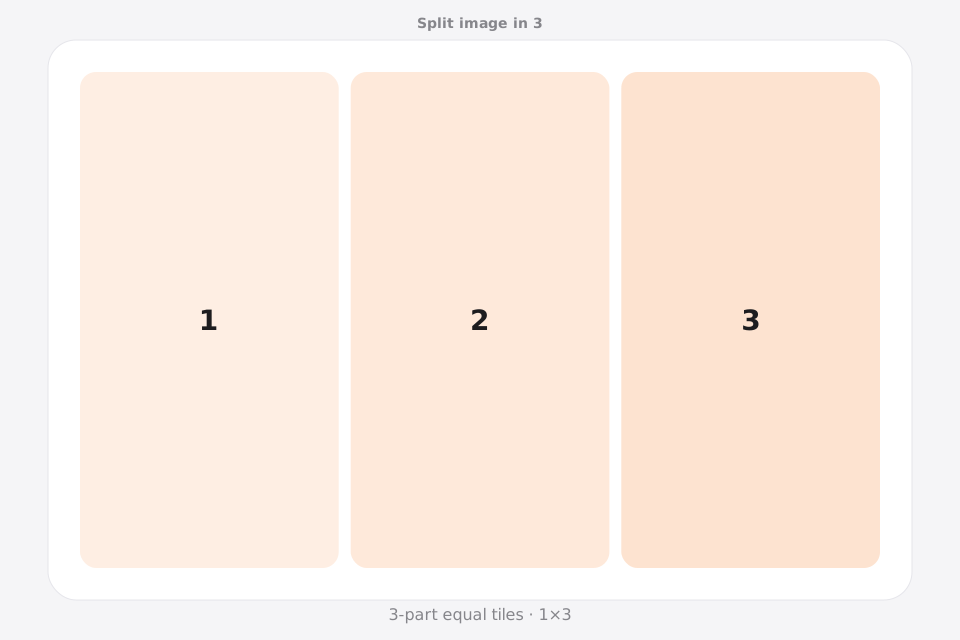
When you split image in 3, the layout determines how the story reads. A 1×3 grid moves from left to right across three vertical panels; a 3×1 grid moves from top to bottom across three horizontal bands.
1×3: triptych and carousel strip
Choose one row and three columns for landscape triptychs, panoramic sequences, and three-slide swipes. Give the first panel a clear entry point and let the middle panel carry the visual anchor.
3×1: top-to-bottom sequence
Choose three rows and one column for tall posters, process graphics, comic beats, or long screenshots. Check that each horizontal band still communicates something when viewed by itself.
Triptych, not a 3×3 profile grid
A three-part split image produces three files, not nine Instagram profile tiles. Use the 9-part route for a full 3×3 mosaic and this page when a beginning, middle, and end are the real structure.
How to split image in 3 parts
Upload your photo
Add a JPG, PNG, or WebP file to Splikit. The 3-part split image tool accepts common formats up to about 20 MB.
Confirm the grid
Templates: 1×3 (three vertical strips) or 3×1 (three horizontal bands). Preview updates as you switch allowed templates.
Download numbered pieces
Run Split Image and save all 3 tiles. Numbers help you post or print in the correct order.
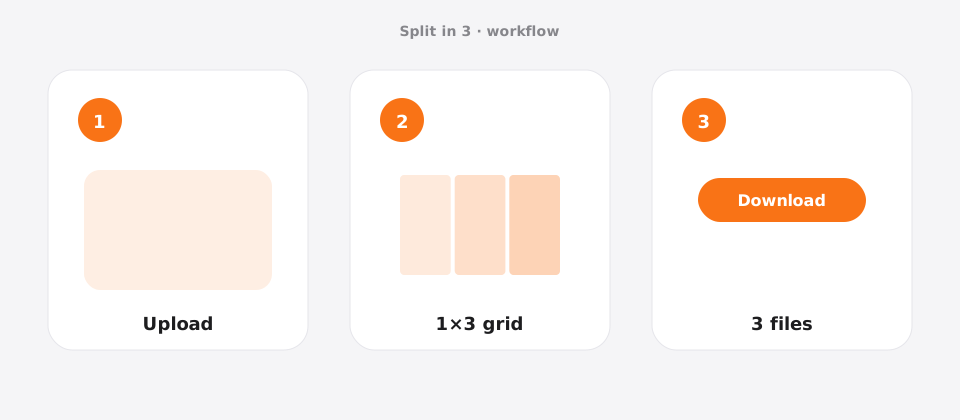
Features for a clean 3-part layout
This 3-part route is tuned for triptychs and three-slide carousels. Local processing plus numbered tiles make left-to-right storytelling easier than starting from a blank custom grid.
Splikit keeps the same private browser engine across the kit, but this URL’s intent is specifically a 3-part layout—not a general homepage grid and not a multi-page PDF poster workflow. Limits stay honest: about 20 MB sources here; custom rows/columns up to 10×10 live on the full splitter when presets are too narrow.
If you need nine profile tiles or a printable multi-page PDF, use those kit pages—this one stays optimized for three equal pieces.
Use cases for 3 equal pieces
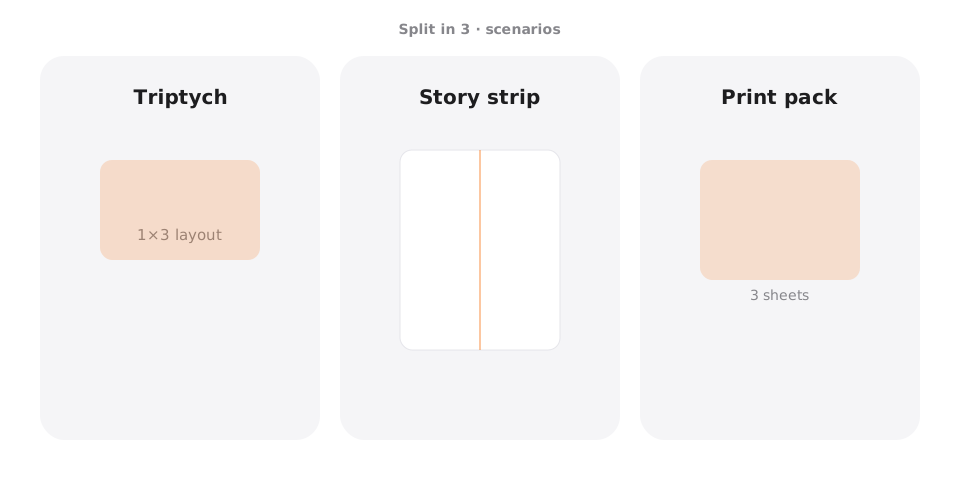
Triptych wall art
Scenario → three frames · Setting → 1×3 · Output → PNG · Caveat → align frames at eye level.
3-slide carousel
Scenario → Instagram/LinkedIn story · Setting → 1×3 · Output → JPG · Caveat → keep the subject continuous across seams.
Process / recipe steps
Scenario → how-to panels · Setting → 1×3 · Output → PNG · Caveat → place text away from cuts.
A4 / multi-page start
Scenario → simple three-page print · Setting → 1×3 or print tool · Output → PNG · Caveat → for full A4 kits use Split for Printing.
Pro tips for a clean 3-part result
- For Instagram carousels, plan a left-to-right story before you split image in 3 parts.
- Use a wide source for 1×3 landscape triptychs (often 3000px+ wide).
- Center the hero subject in the middle panel when possible.
- Export PNG if panels include graphics; JPG for pure photos.
- If you need 4:5 social framing, try the Instagram Carousel Splitter after this cut.
Split image in 3 FAQ
Is the image splitter in 3 free online? +
Yes. Splikit lets you create 3 equal parts free online with no account. The image splitter runs privately in your browser.
How do I create 3 equal parts from one photo? +
Upload a photo, choose 1×3 or 3×1, run Split Image, then download the three numbered pieces. Each tile is an equal share of the source.
What is better for Instagram: split image in 3 for carousel or for grid? +
Carousels usually use a horizontal strip (1×3). Profile grids more often use 3×3 (nine parts). Use this page for three-piece stories; use split image in 9 for puzzles.
Can I split image into 3 A4 pages? +
A simple three-way cut is a start. For true multi-page print layouts, open Split Image for Printing or Image to PDF in the Splikit kit.
Does export quality hold up for triptych prints? +
Yes if your source is high resolution. Export PNG for print tiles and avoid aggressive JPG compression.
Is Photoshop required to split image in 3 parts? +
No. Splikit runs in the browser—no Photoshop install—for equal three-part cuts.
Will my files be uploaded for a 3-part cut? +
Not for the core tool. Processing is local. Only optional error reports you explicitly send would leave the device.
Can I use this for 3-panel TikTok or Reels covers? +
Yes for static three-panel graphics. Vertical video apps may still crop differently—preview on-device after export.
What if I need more than three pieces? +
Use dedicated pages for 4, 6, 9, or 12, or the homepage custom grid tool.
Split image in 3 parts now
Return to the free Splikit image splitter on this page—private, numbered, no signup.
Open the 3-part tool