Splikit · 9-part split
Split Image in 9 Parts Free
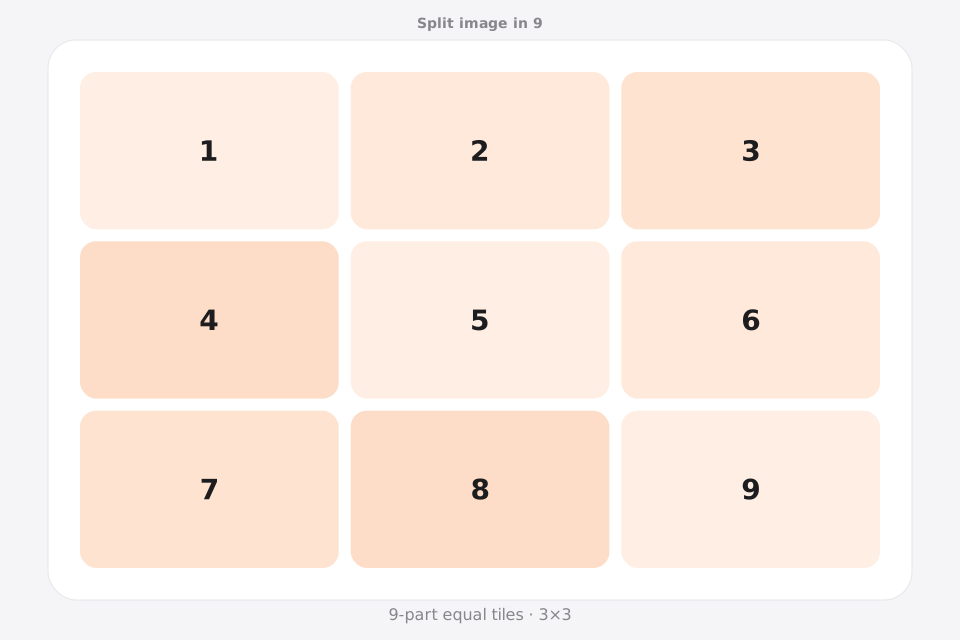
Split image into 9 parts on a 3×3 grid for Instagram profile puzzles and nine-tile layouts. Splikit numbers each square so upload order stays clear.
Drag & drop an image
Supports JPG, PNG, WebP, GIF, BMP, AVIF formats
Drop · browse · paste
Settings
LiveRelated
Why creators split image into 9 for Instagram
Split image in 9 / into 9 is the standard way to build a 3×3 profile mosaic. Search demand includes split image into 9 squares for Instagram and nine equal parts for puzzle feeds.
This Splikit page is a focused 3×3 image splitter: private browser cuts, nine numbered downloads, and links to posting-order guides. For freeform grids, use the homepage tool.
Prefer another count? Jump to 2, 3, 4, 6, 9, or 12 parts—or the full image splitter.
Plan a 3×3 profile mosaic before splitting
Use this route when the real goal is to split image in 9 as one 3×3 mosaic. Nine tiles are not merely “more pieces”: they create three complete rows, a center tile, four corners, and a publishing-order problem that smaller layouts do not have.
Design around the center tile
Tile 5 becomes the visual center of the 3×3. Put the main subject near it, but keep eyes, logos, and small text away from cut lines so the assembled image and individual posts both remain readable.
Publish in reverse profile order
For a profile mosaic, start with the bottom-right tile and finish with the top-left tile because new posts fill the profile in reverse chronological order. Confirm the live preview before publishing all nine.
Check thumbnail crops
A nine-part split image can align perfectly while the platform preview crops the outer edges of individual posts. Keep essential content centered inside every tile and test with the current profile view.
How to split image in 9 parts
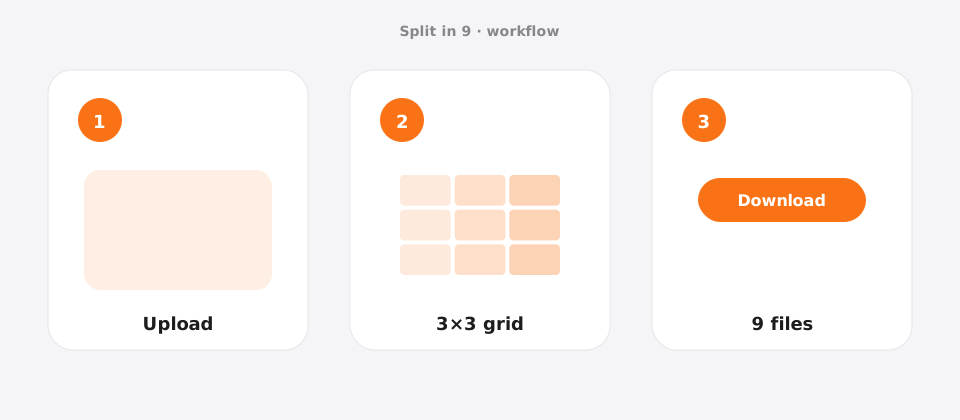
Upload your photo
Add a JPG, PNG, or WebP file to Splikit. The 9-part split image tool accepts common formats up to about 20 MB.
Confirm the grid
Template: 3×3 only. Preview updates as you switch allowed templates.
Download numbered pieces
Run Split Image and save all 9 tiles. Numbers help you post or print in the correct order.
Features for a clean 9-part layout
This 9-part route is the 3×3 Instagram puzzle path. Numbered squares and reverse-post reminders exist so profile mosaics assemble correctly.
Splikit keeps the same private browser engine across the kit, but this URL’s intent is specifically a 9-part layout—not a general homepage grid and not a multi-page PDF poster workflow. Limits stay honest: about 20 MB sources here; custom rows/columns up to 10×10 live on the full splitter when presets are too narrow.
Two-part diptychs, carousels with fewer slides, and multi-page print PDFs belong on other Splikit routes.
Use cases for 9 equal pieces
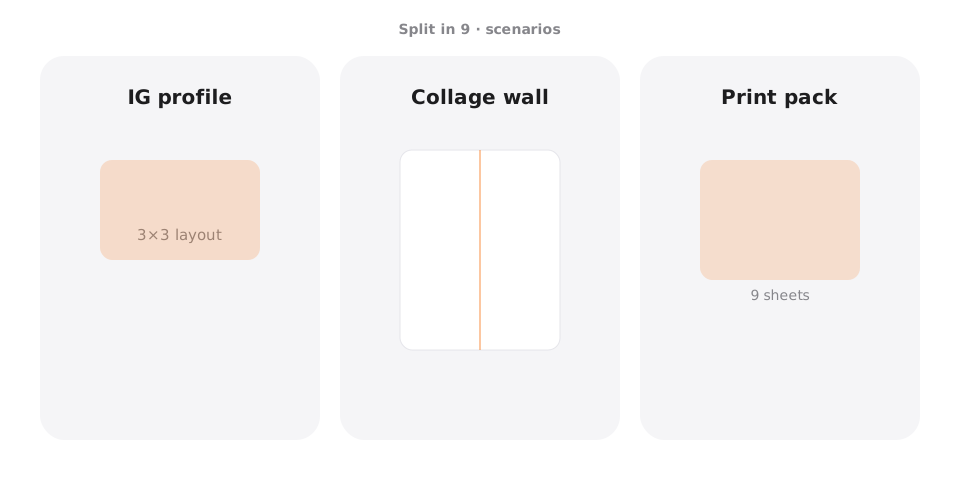
Instagram profile puzzle
Scenario → 3×3 profile art · Setting → 3×3 · Output → JPG/PNG · Caveat → post in reverse order on profile.
Launch teaser grid
Scenario → multi-day reveal · Setting → 3×3 · Output → JPG · Caveat → schedule evenly.
Poster nine-up
Scenario → print tiles · Setting → 3×3 · Output → PNG · Caveat → high-res source.
Mood collage
Scenario → nine detail crops · Setting → 3×3 · Output → WebP · Caveat → center interest per cell.
Pro tips for a clean 9-part result
- Start with at least ~3000×3000 px when you split image into 9 for Instagram.
- Keep faces out of the internal grid lines.
- Post piece 9 first through piece 1 last for many profile layouts—confirm on your app version.
- Preview with Instagram Grid Maker if you need feed context.
Split image in 9 FAQ
How do I split image into 9 equal parts for Instagram? +
Upload a square-friendly photo, keep the 3×3 preset, split image, then download nine numbered tiles. Post in the order your profile requires (often reverse).
Is split image in 9 free on Splikit? +
Yes. The 3×3 tool is free, private, and does not require an account.
What size should my photo be before a 9-part grid? +
Larger is better. Many creators start around 3000×3000 px so each tile survives Instagram compression.
Do I need Photoshop to split image into 9 squares? +
No. Splikit handles equal 3×3 cuts in the browser without Photoshop.
Why are my grid pieces out of order on my profile? +
Profile grids fill in a specific order. Use numbered files and a reverse upload sequence when required.
Is processing private for a 9-tile job? +
Yes for the core tool—work stays on-device in your browser.
Can I make 9 tiles for print instead of Instagram? +
Yes. Export PNG and print each tile. For large multi-page posters, also check Split for Printing.
Where do I go for non-3×3 grids? +
Use other N-part pages or the homepage custom tool.
Does Splikit support carousel instead of profile grid? +
For swipe carousels, try fewer parts or the Instagram Carousel Splitter; nine parts are mainly for profile mosaics.
Split image in 9 parts now
Return to the free Splikit image splitter on this page—private, numbered, no signup.
Open the 9-part tool