Splikit · 4-part split
Split Image in 4 Parts Free
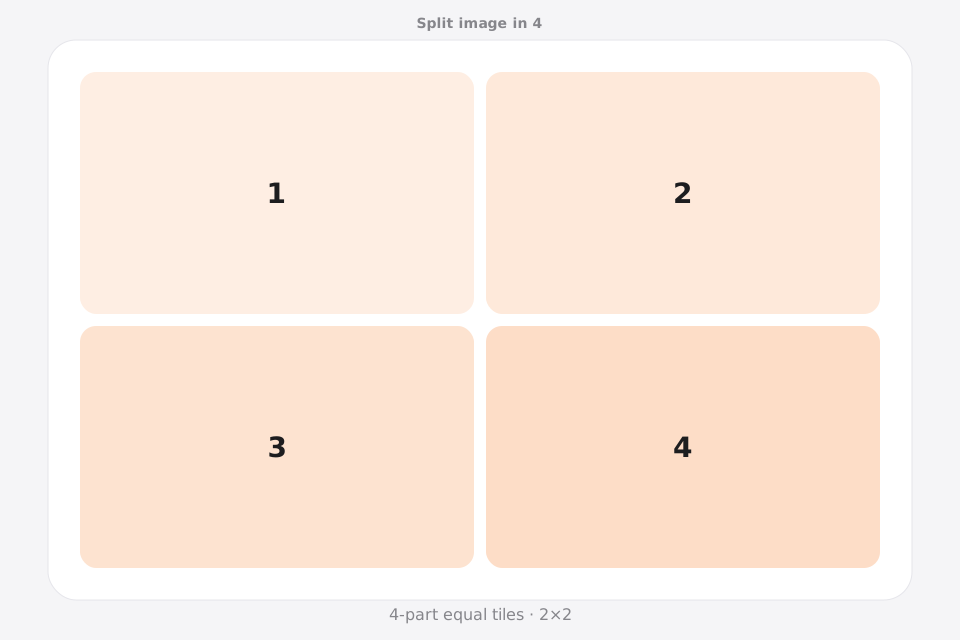
Split image into 4 equal parts with a clean 2×2 grid. Splikit numbers every tile so posting or printing a four-piece set stays orderly.
Drag & drop an image
Supports JPG, PNG, WebP, GIF, BMP, AVIF formats
Drop · browse · paste
Settings
LiveRelated
Why split image in 4 parts (2×2)?
A split image in 4 parts layout is the classic 2×2 quartering of a photo. Searchers look for split image in 4 equal parts, split image in 4 online, and collage-style cuts for social posts or print cards.
This Splikit page locks the 2×2 image splitter preset so you do not fiddle with custom math. Processing stays private; downloads stay numbered.
Prefer another count? Jump to 2, 3, 4, 6, 9, or 12 parts—or the full image splitter.
When a 2×2 split is better than four slices
This page uses a 2×2 grid when you split image in 4. It creates four quadrants around one center cross. It does not create a 1×4 panorama strip, so the composition must work across both a vertical and a horizontal seam.
Protect the center cross
The two cut lines meet at the center. Move faces, small type, QR codes, and product details away from that intersection; a subject placed there can be divided across all four outputs.
Make each quadrant useful
A strong 2×2 split image reads as one complete visual when assembled while each quarter still has enough color, texture, or subject matter to make sense on its own.
Choose another route for linear stories
Use two or three parts for a left-to-right sequence, nine for a 3×3 profile mosaic, or Split Image for Printing when the goal is four paper pages with print-specific assembly controls.
How to split image in 4 parts
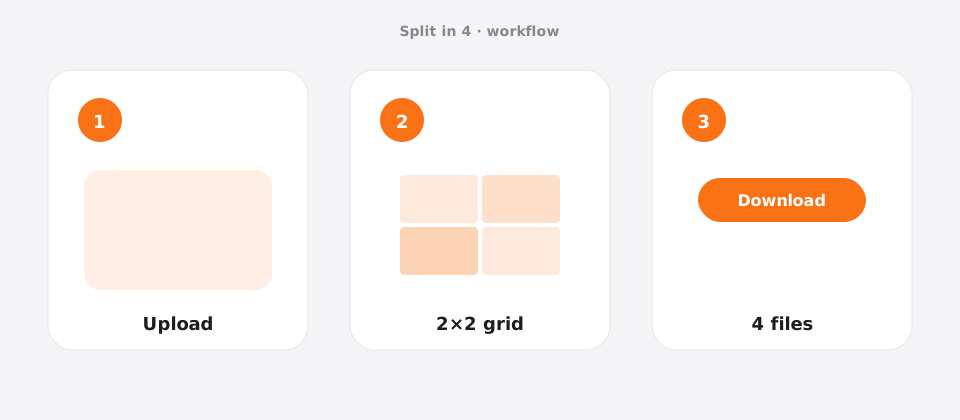
Upload your photo
Add a JPG, PNG, or WebP file to Splikit. The 4-part split image tool accepts common formats up to about 20 MB.
Confirm the grid
Template: 2×2 only (four equal squares/rectangles from the source aspect). Preview updates as you switch allowed templates.
Download numbered pieces
Run Split Image and save all 4 tiles. Numbers help you post or print in the correct order.
Features for a clean 4-part layout
This 4-part route locks a 2×2 quartering workflow. Equal tiles and sequential names help mini profile grids and four-up print cards without extra math.
Splikit keeps the same private browser engine across the kit, but this URL’s intent is specifically a 4-part layout—not a general homepage grid and not a multi-page PDF poster workflow. Limits stay honest: about 20 MB sources here; custom rows/columns up to 10×10 live on the full splitter when presets are too narrow.
For 3×3 profile puzzles or print-to-PDF posters, switch tools; four equal tiles is the only job this page optimizes.
Use cases for 4 equal pieces
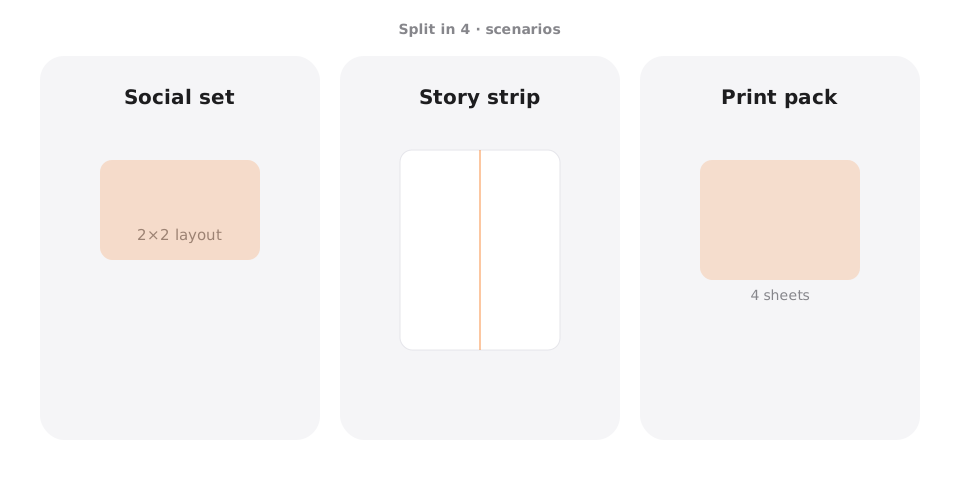
2×2 Instagram mini-grid
Scenario → four profile tiles · Setting → 2×2 · Output → JPG · Caveat → reverse order if posting as separate feed posts.
Printable photo cards
Scenario → four small prints · Setting → 2×2 · Output → PNG · Caveat → keep faces out of the crosshair seam.
Mood board quarters
Scenario → design reference · Setting → 2×2 · Output → WebP · Caveat → high-contrast sources read better as tiles.
A4 four-up sheet
Scenario → one sheet four images · Setting → 2×2 then print · Output → PNG · Caveat → for multi-page posters use print tools.
Pro tips for a clean 4-part result
- Start near square if you want near-square tiles after you split image in 4 parts.
- Keep eyes and logos away from the center cross of the 2×2.
- For profile grids of nine, use the 9-part page instead.
- Batch-download keeps order with numeric filenames.
- Related tools: custom homepage splitter and Instagram Grid Maker.
Split image in 4 FAQ
How do I split image in 4 equal parts online free? +
Upload on this page, keep the 2×2 preset, run the cut, and download four numbered pieces. No account is required.
Is this the same as a 2×2 image splitter? +
Yes. Four parts here means a 2×2 grid of equal tiles from one source photo.
Can I split image in 4 pages for printing? +
Four tiles can be printed as separate pages. For poster-style multi-page A4 workflows, use Split for Printing / PDF tools in the kit.
What resolution works for a 4-part layout? +
Aim for at least ~2000×2000 px source for social; higher for print so each quarter stays detailed.
Does the image splitter run privately? +
Yes. Core processing is browser-local on Splikit.
Can I change to 3×3 from this page? +
Use the 9-part page or the homepage custom grid. This route stays focused on four parts.
Which export format should I pick? +
PNG for crisp graphics; JPG/WebP for photos when file size matters.
Will Instagram show a perfect 2×2 from four posts? +
Only if you post in the correct order on your profile. Numbered files help; some creators prefer one carousel instead.
Split image in 4 parts now
Return to the free Splikit image splitter on this page—private, numbered, no signup.
Open the 4-part tool